Introduction
The Zhumu Furniture Design System provides two quick placement functions for sinks and gas stoves.
Creating Countertops
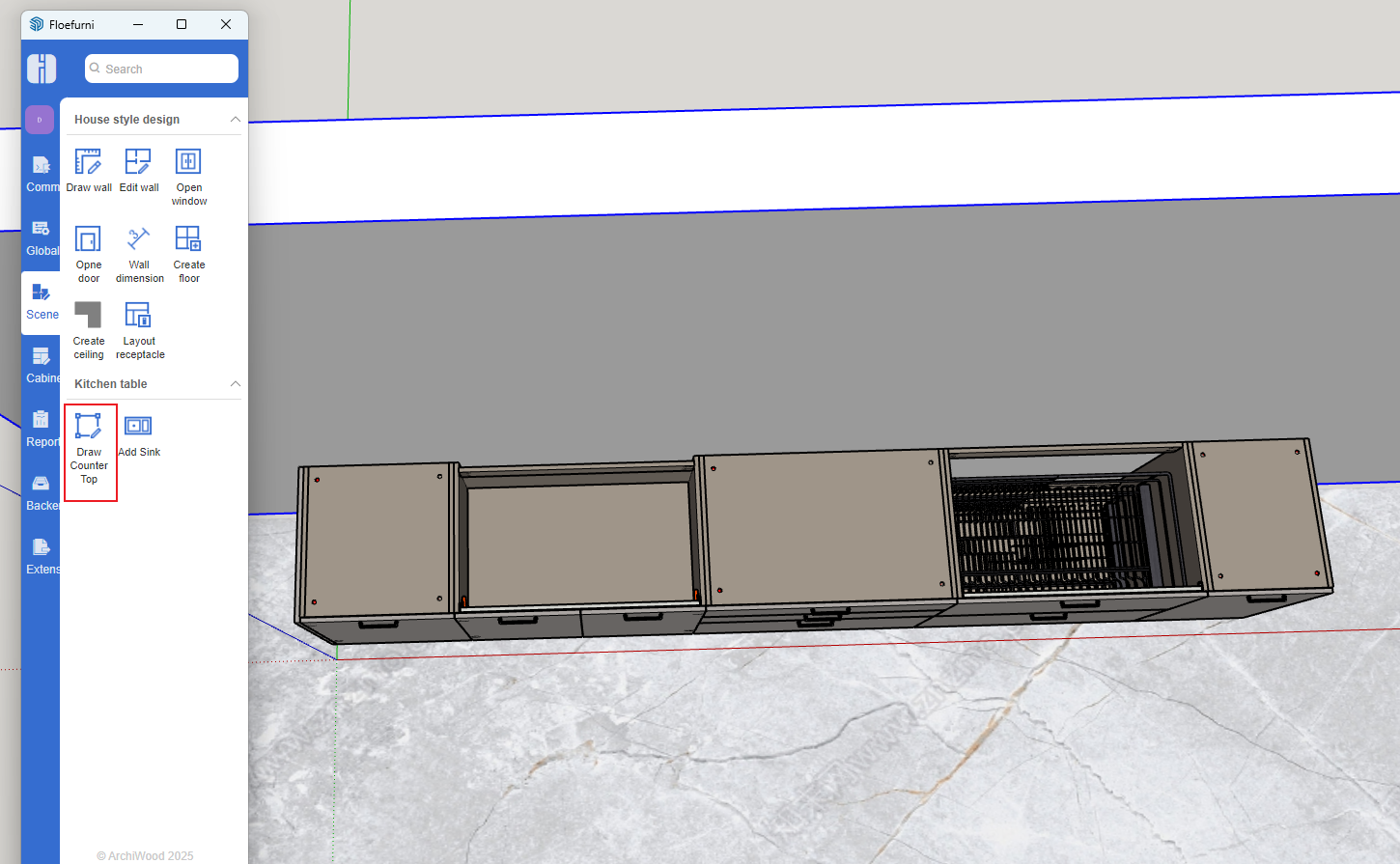
- Click the "Draw Countertop" button, then click each corner point of the cabinet in counter-clockwise order [start and end points must coincide]
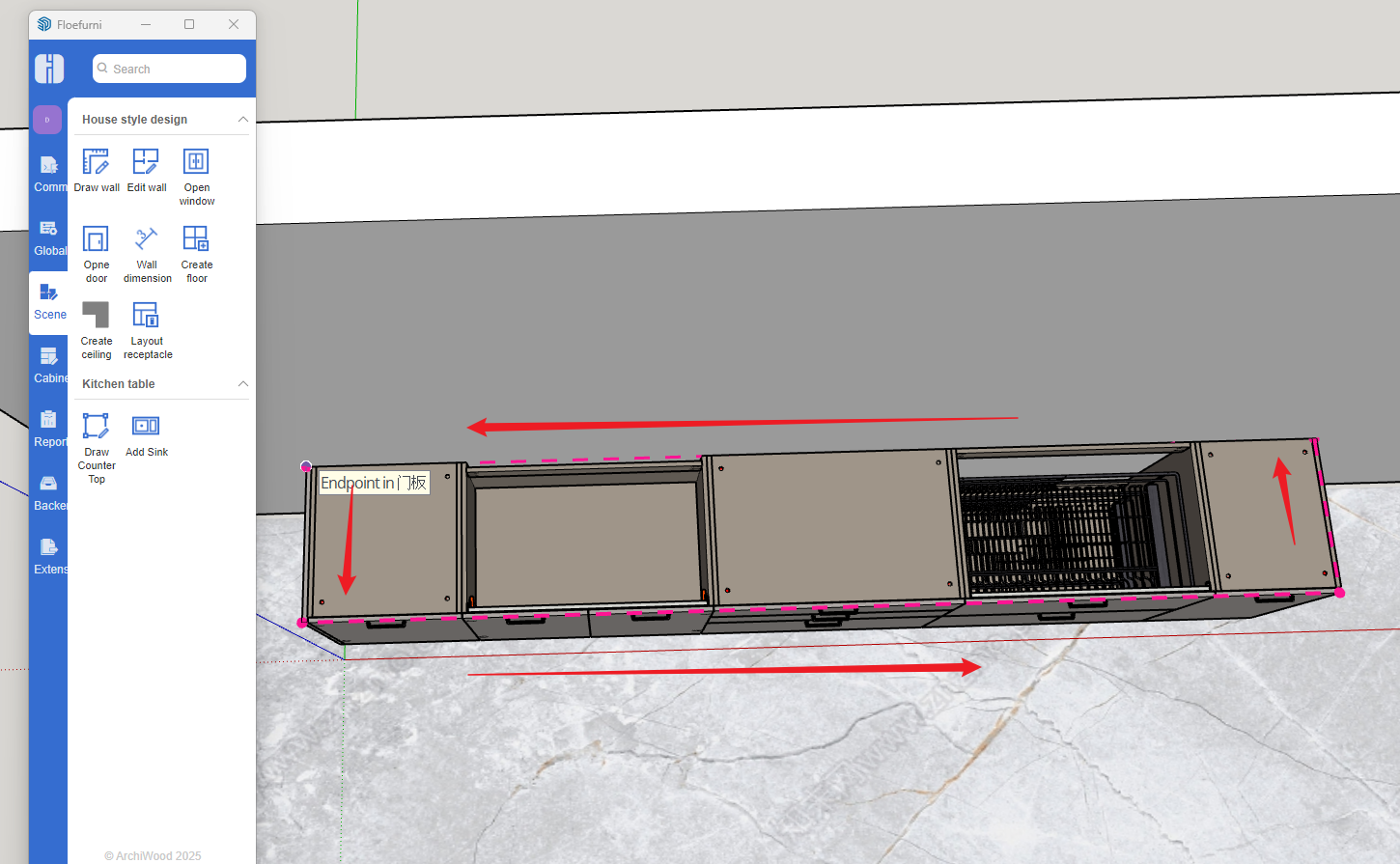
- When start and end points coincide, the settings interface automatically pops up
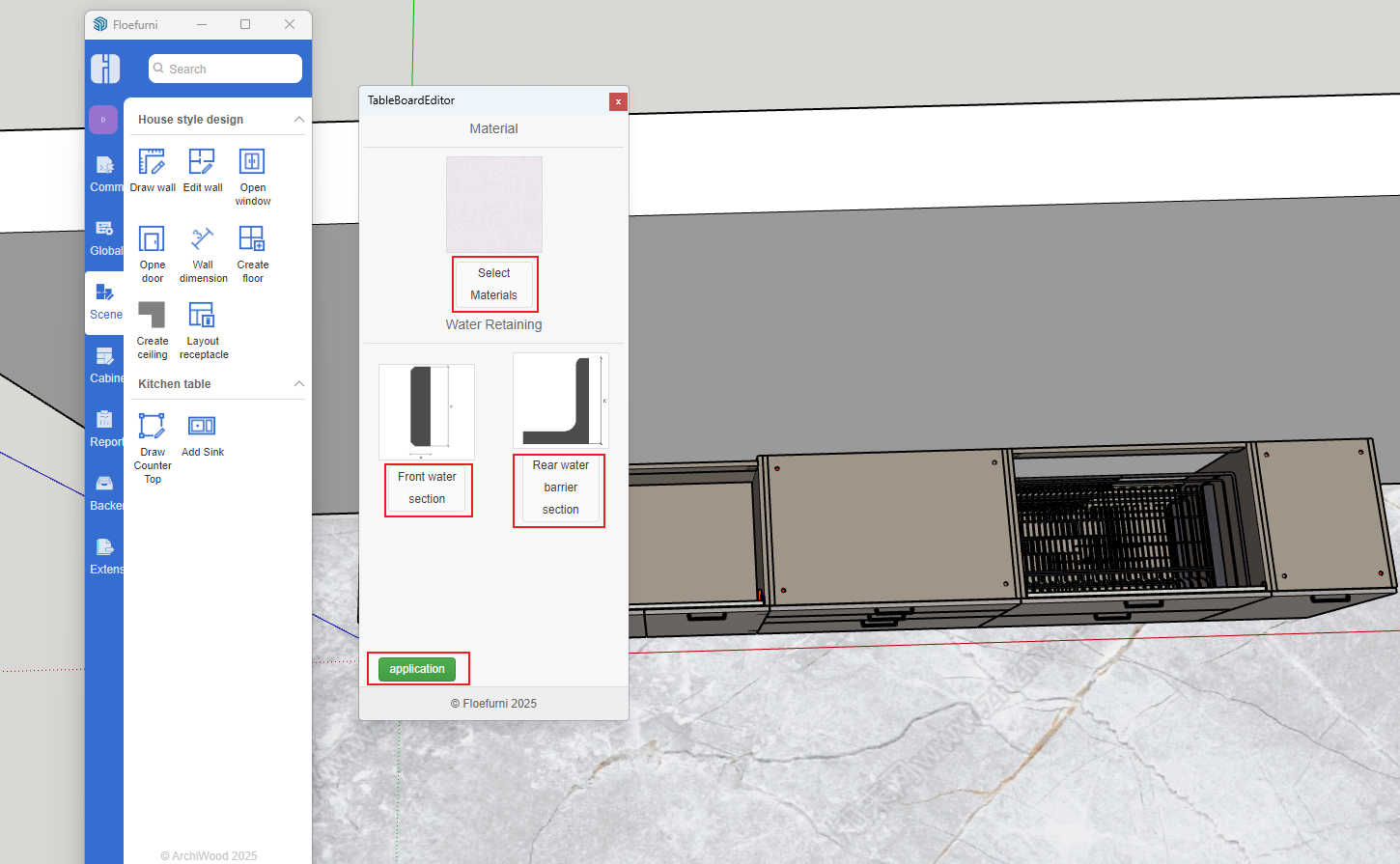
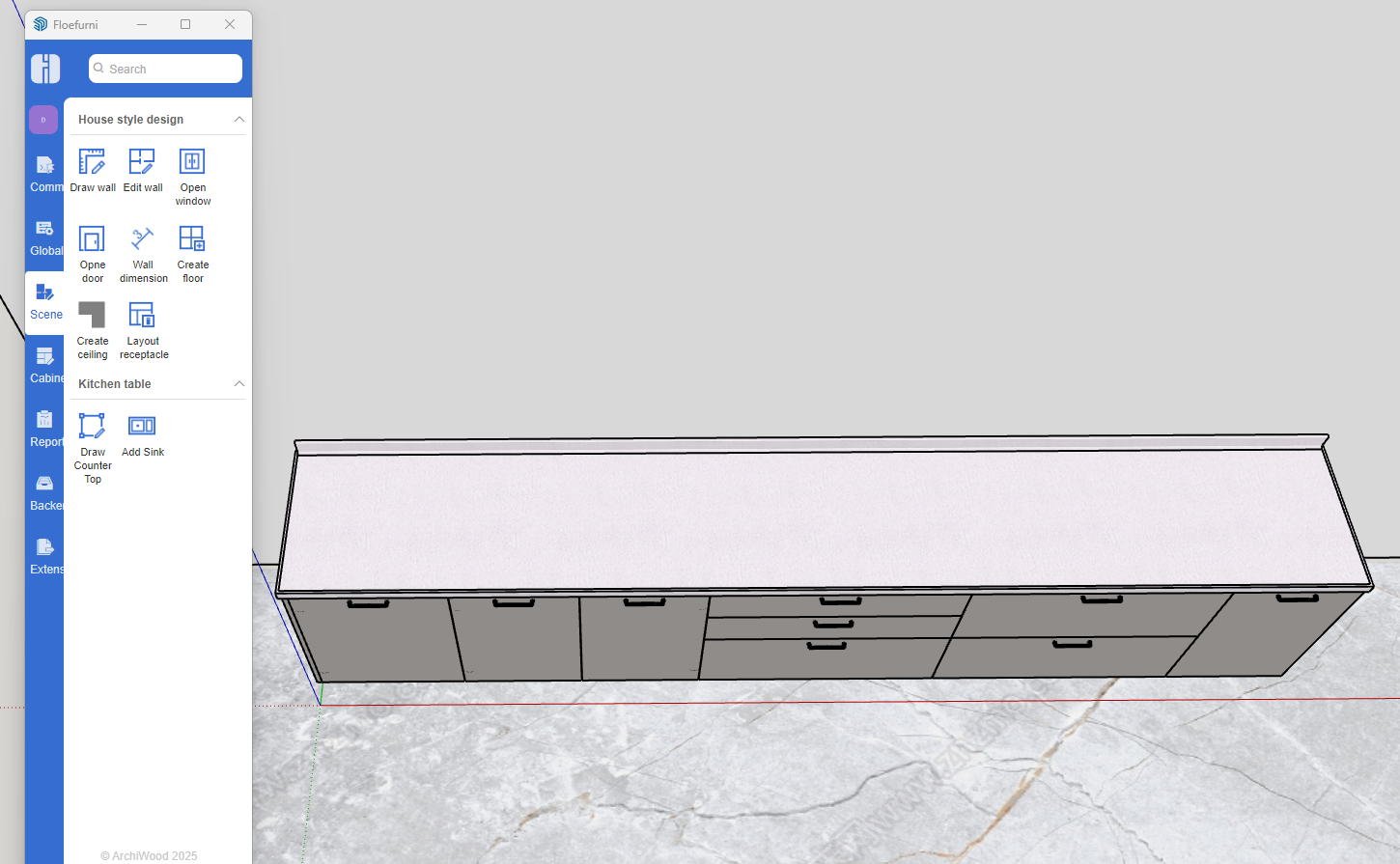
- Set material and other information as needed, then click Apply to complete countertop creation
Placing Sinks and Gas Stoves
- Click the "Place Sink" button
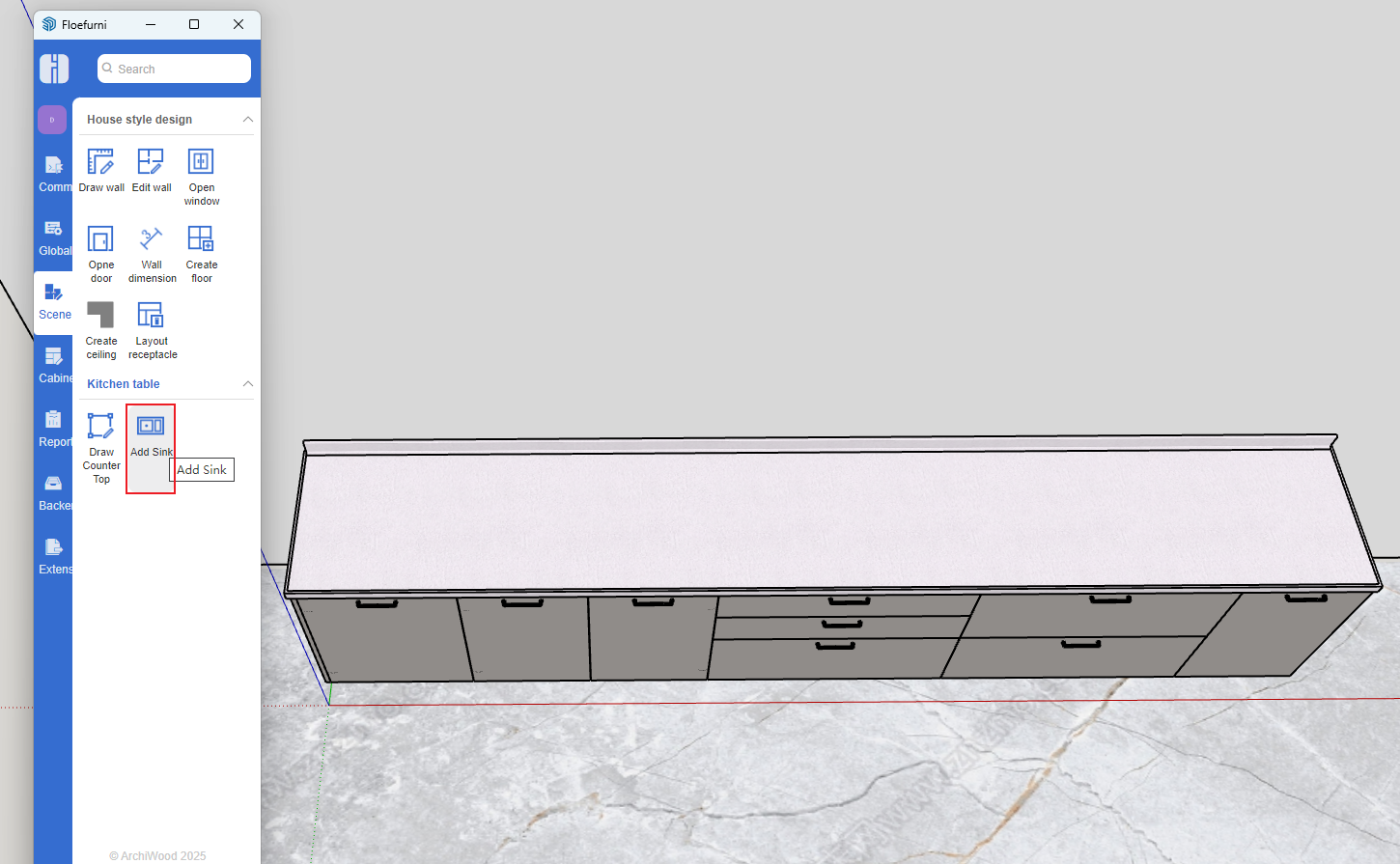
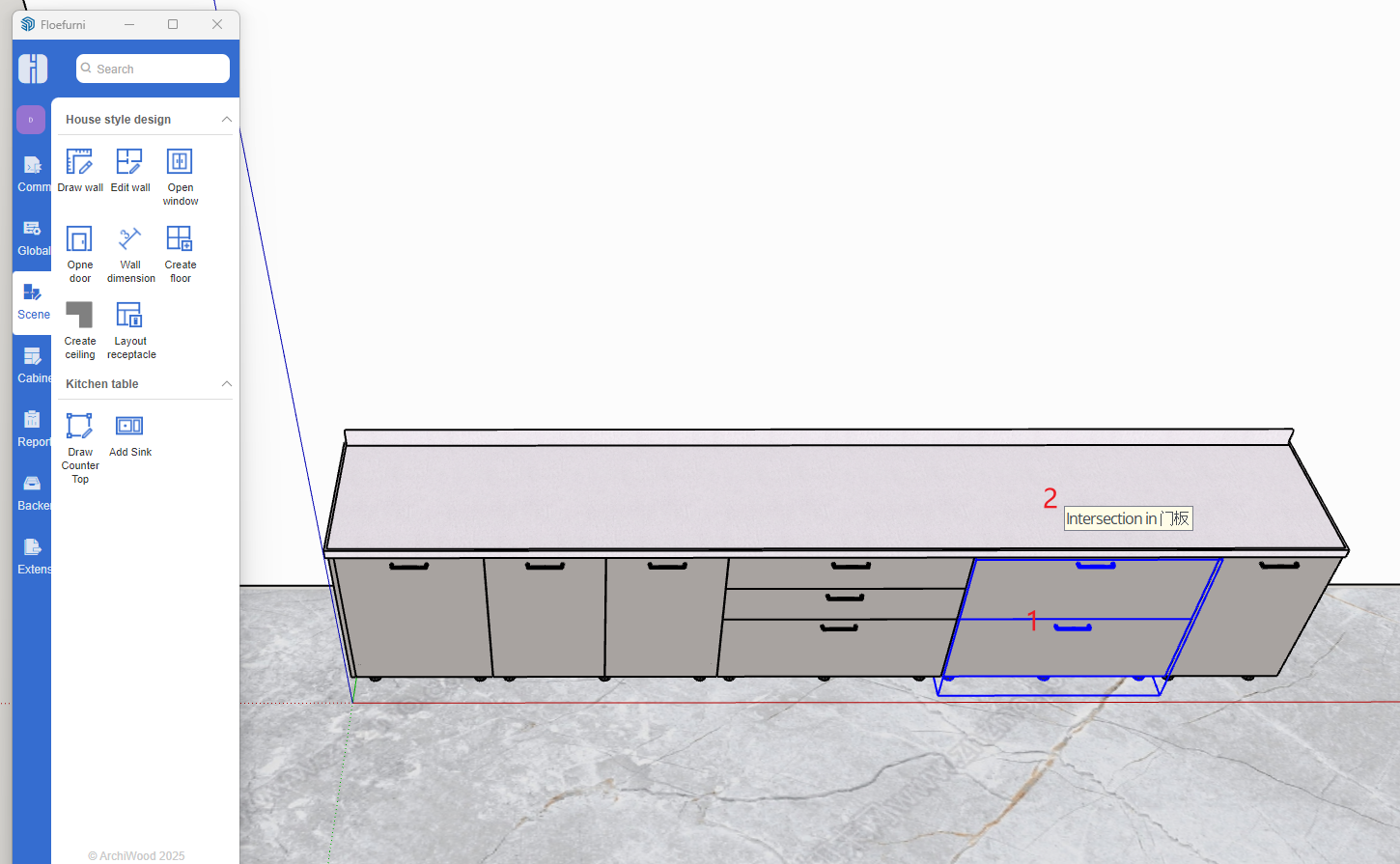
Follow the mouse prompts [First click sink cabinet 1, then click countertop 2]
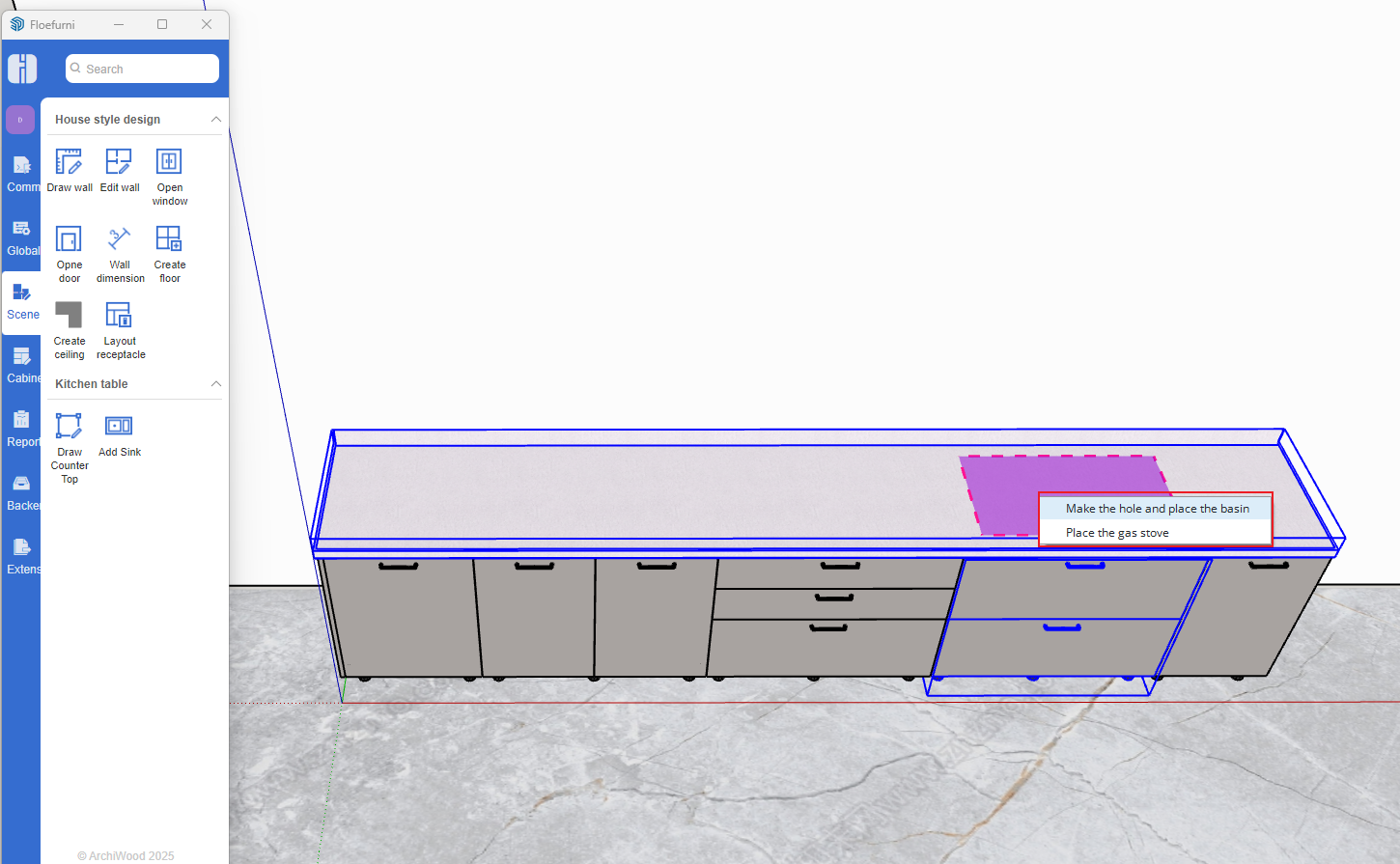
Right-click to create opening and place sink
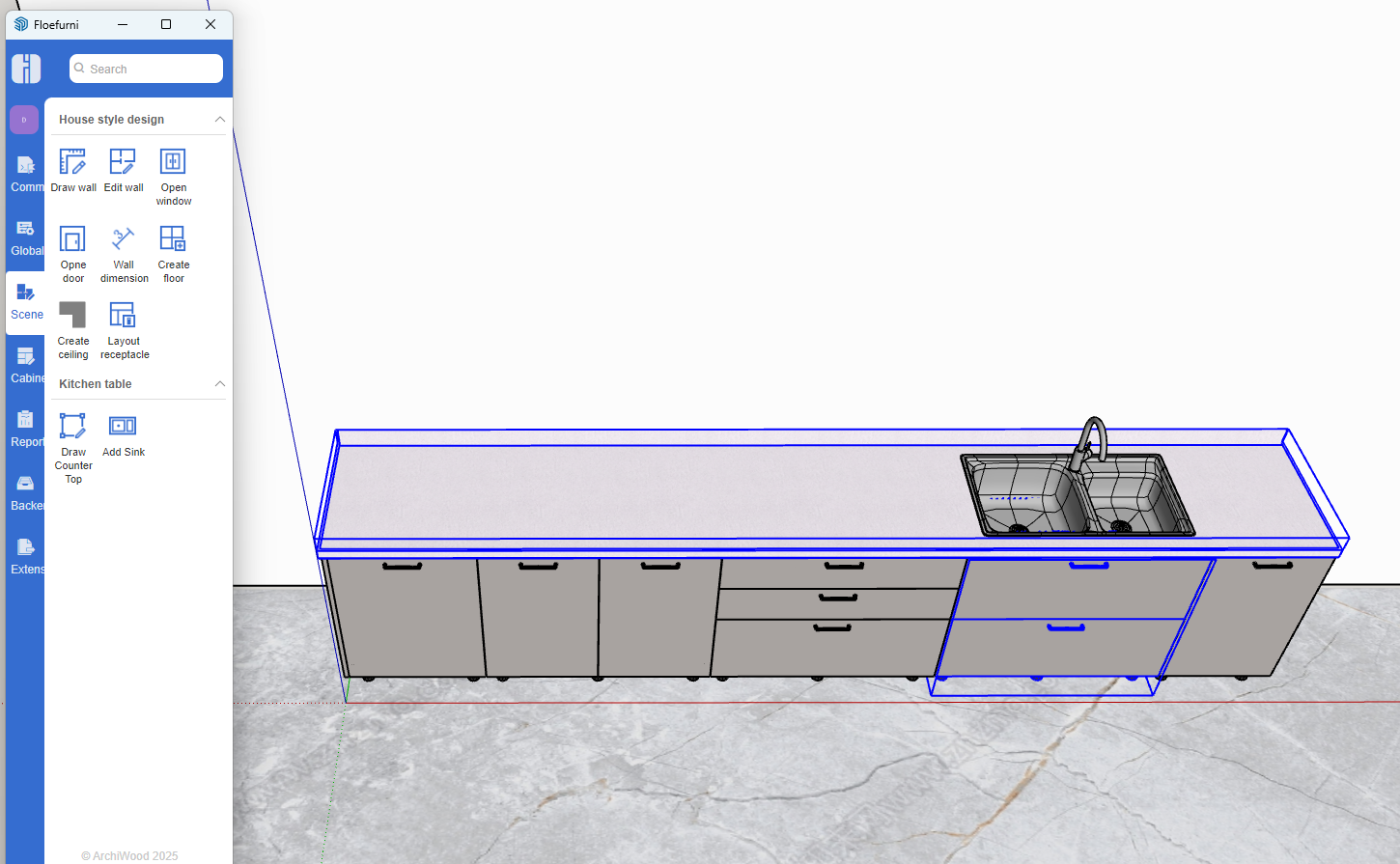
Sink placement result
Follow the above steps to click gas stove cabinet and create gas stove
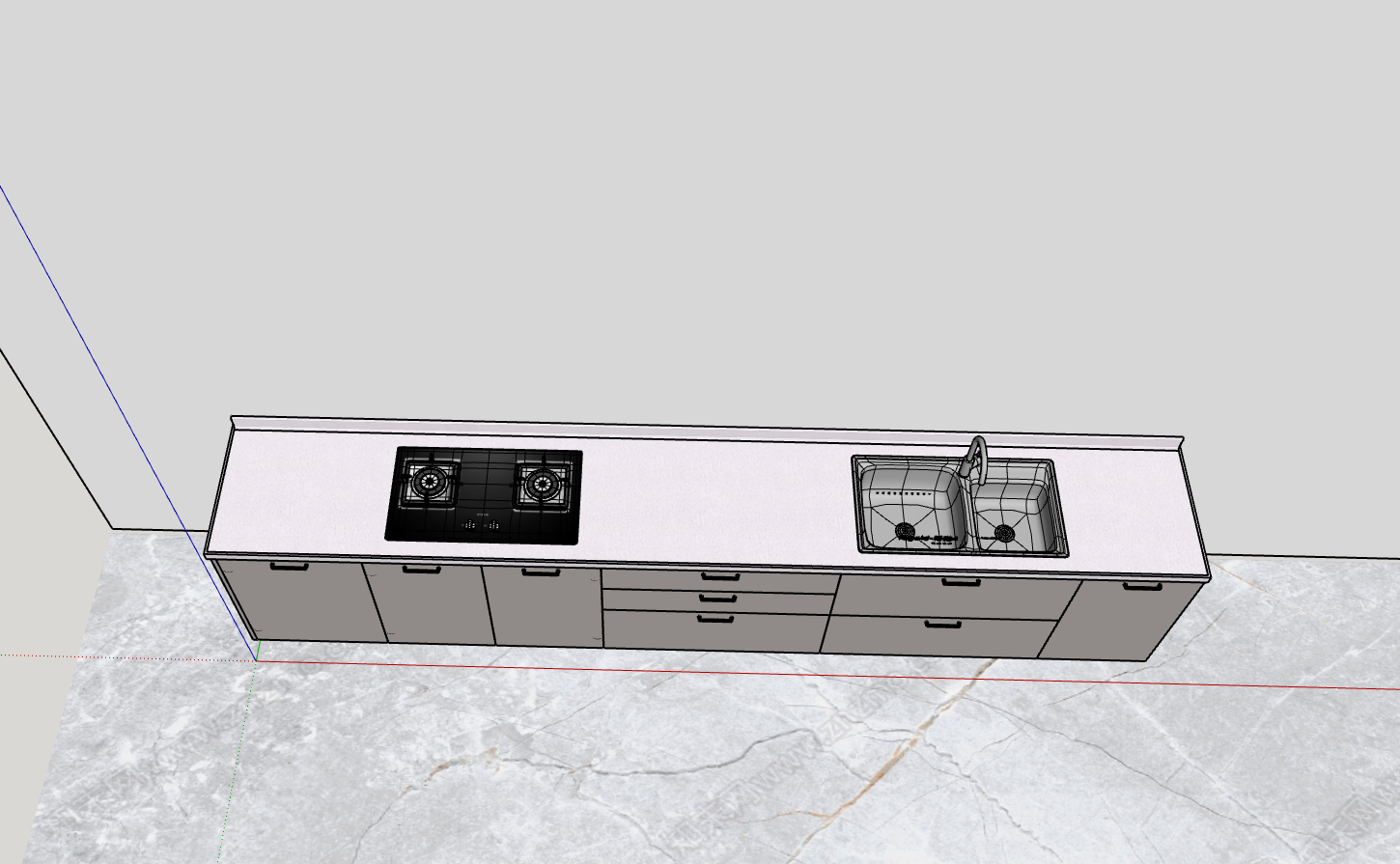
Quickly Replace with Desired Sink and Gas Stove Styles
- First select the sink or gas stove, open the Soft Furnishing Model Library, then double-click the desired style model to replace

