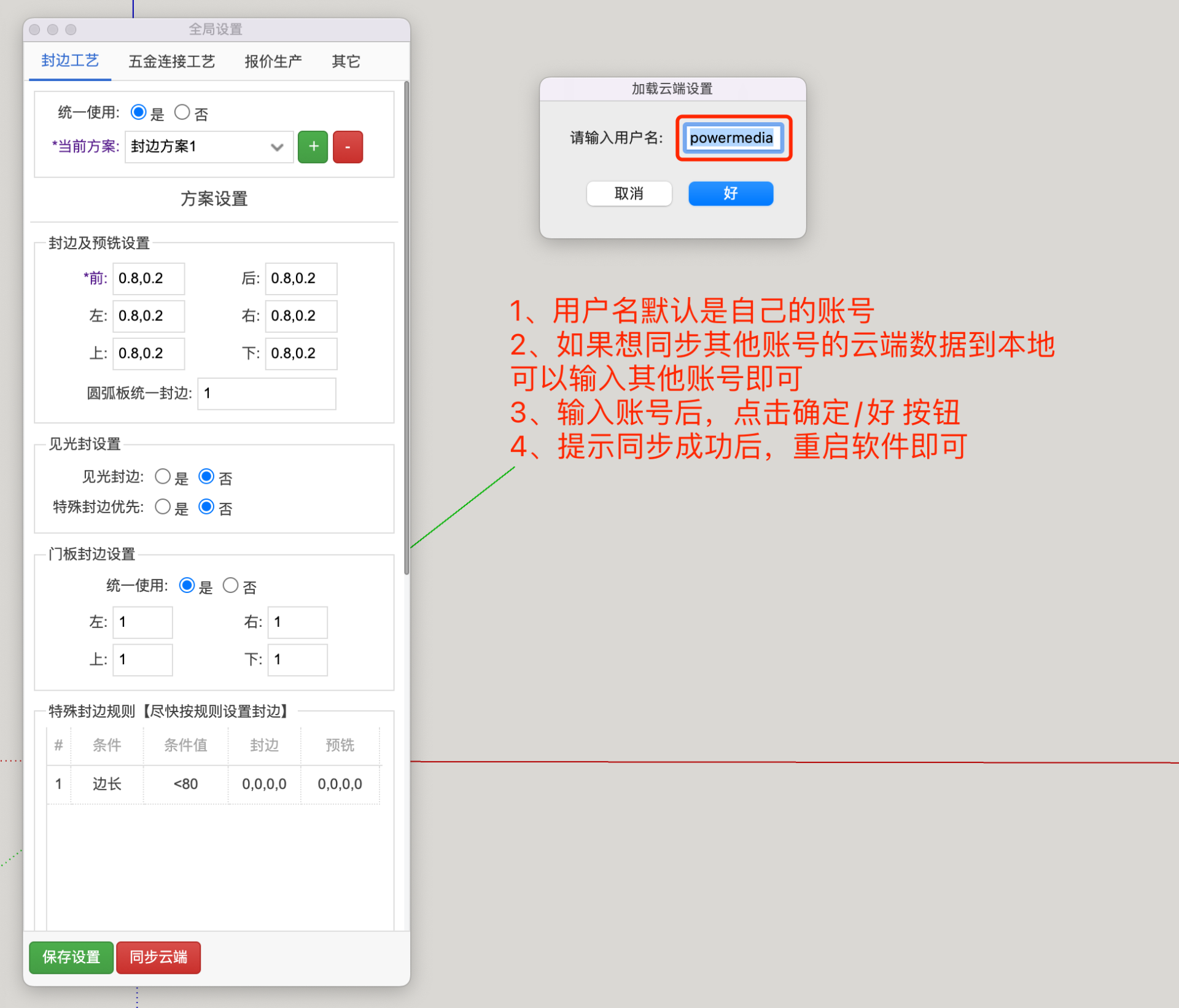
Introduction
The Zhumu Furniture Design System allows all local settings - including global option settings, global default parameter settings, quotation material price settings, etc. - to be automatically backed up to the cloud, and also easily synchronized back to local machines.
How to Sync to Cloud and Sync to Local
When all system local option configurations are set up, to prevent having to reconfigure after computer crashes or system reinstallation, you can back up local settings to the cloud.
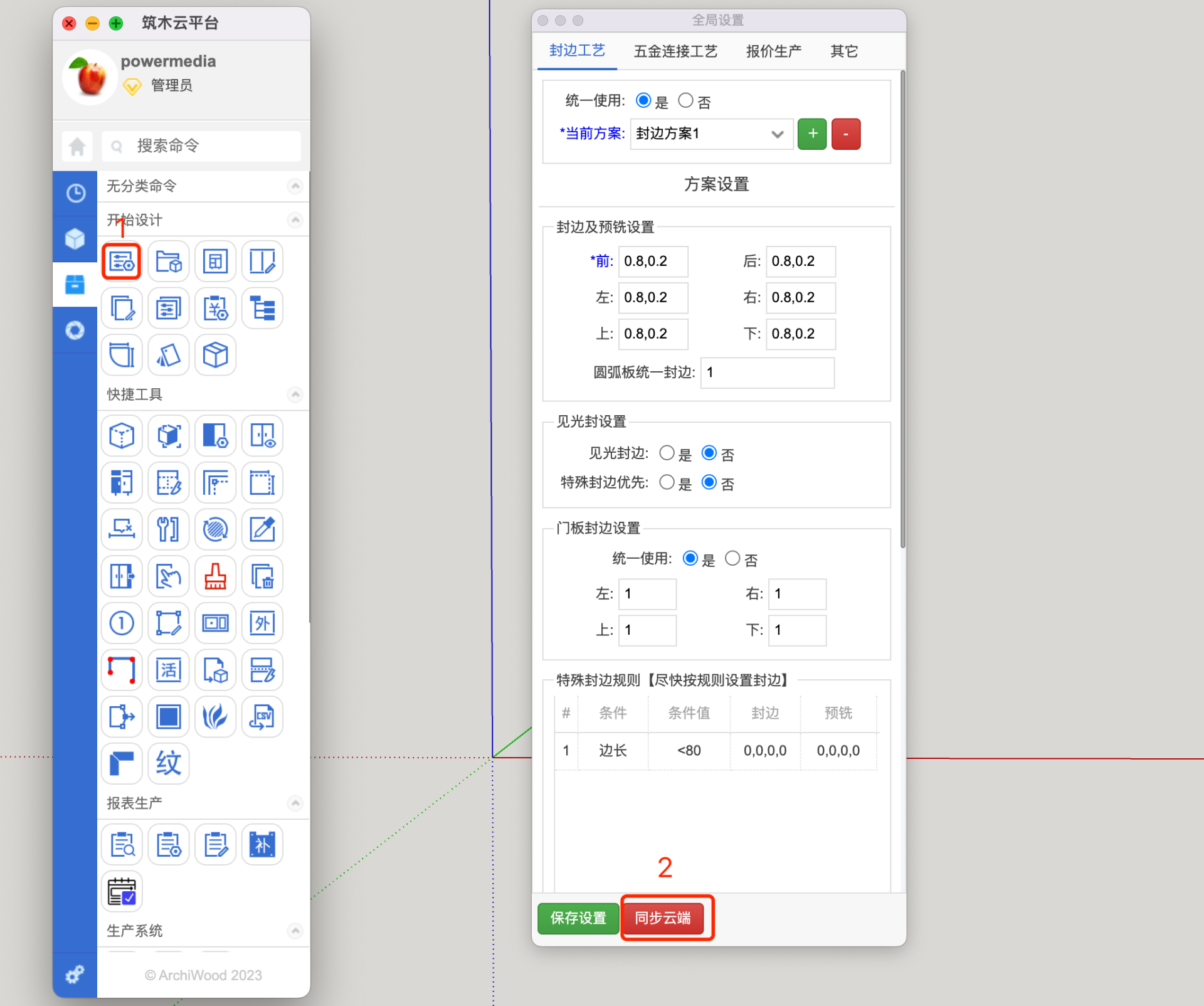
- Open the Global Settings interface and click the Sync to Cloud button
- Click Upload Configuration and Download Configuration
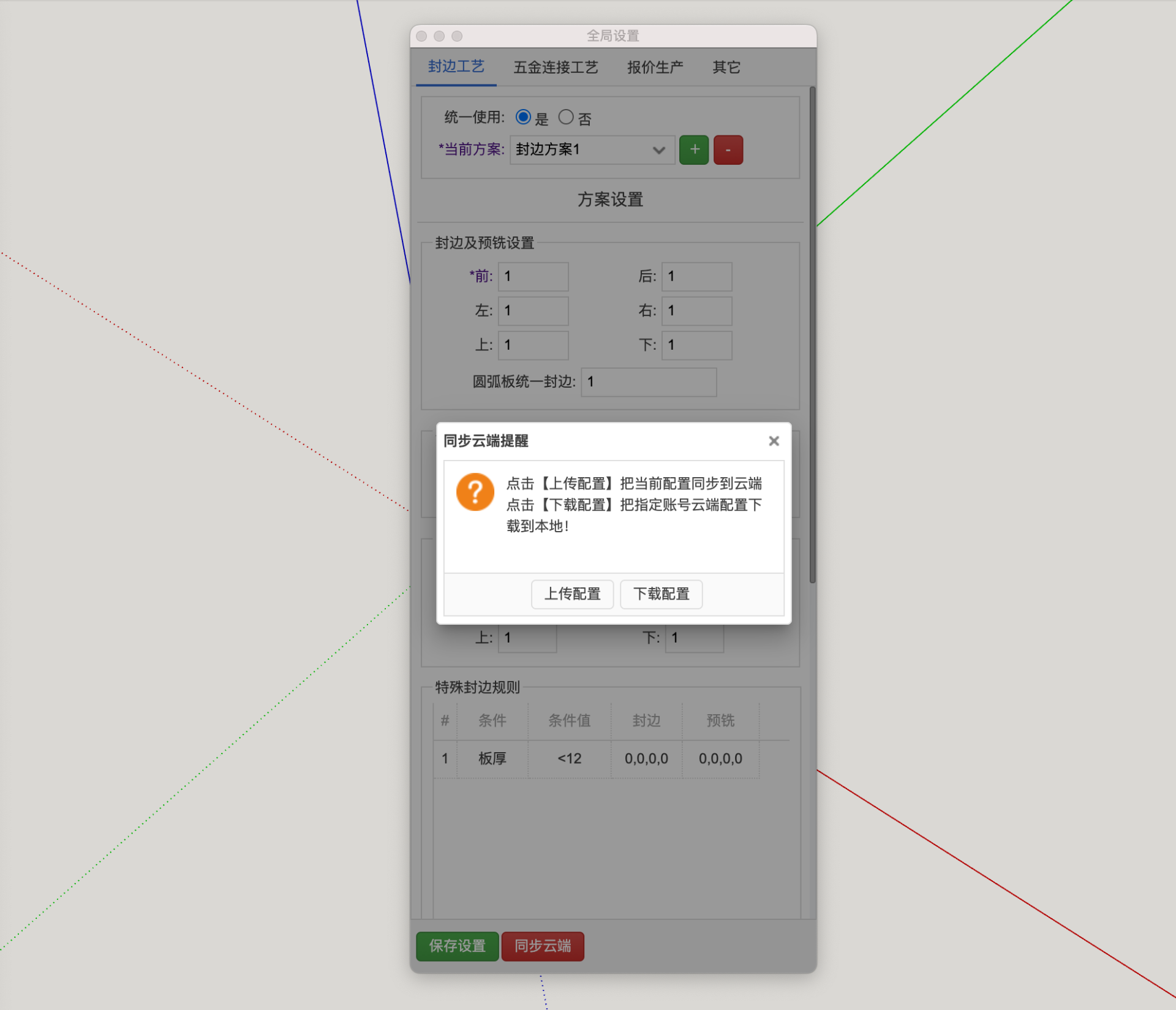
- Click Download Configuration to synchronize configuration data from the specified account