Introduction
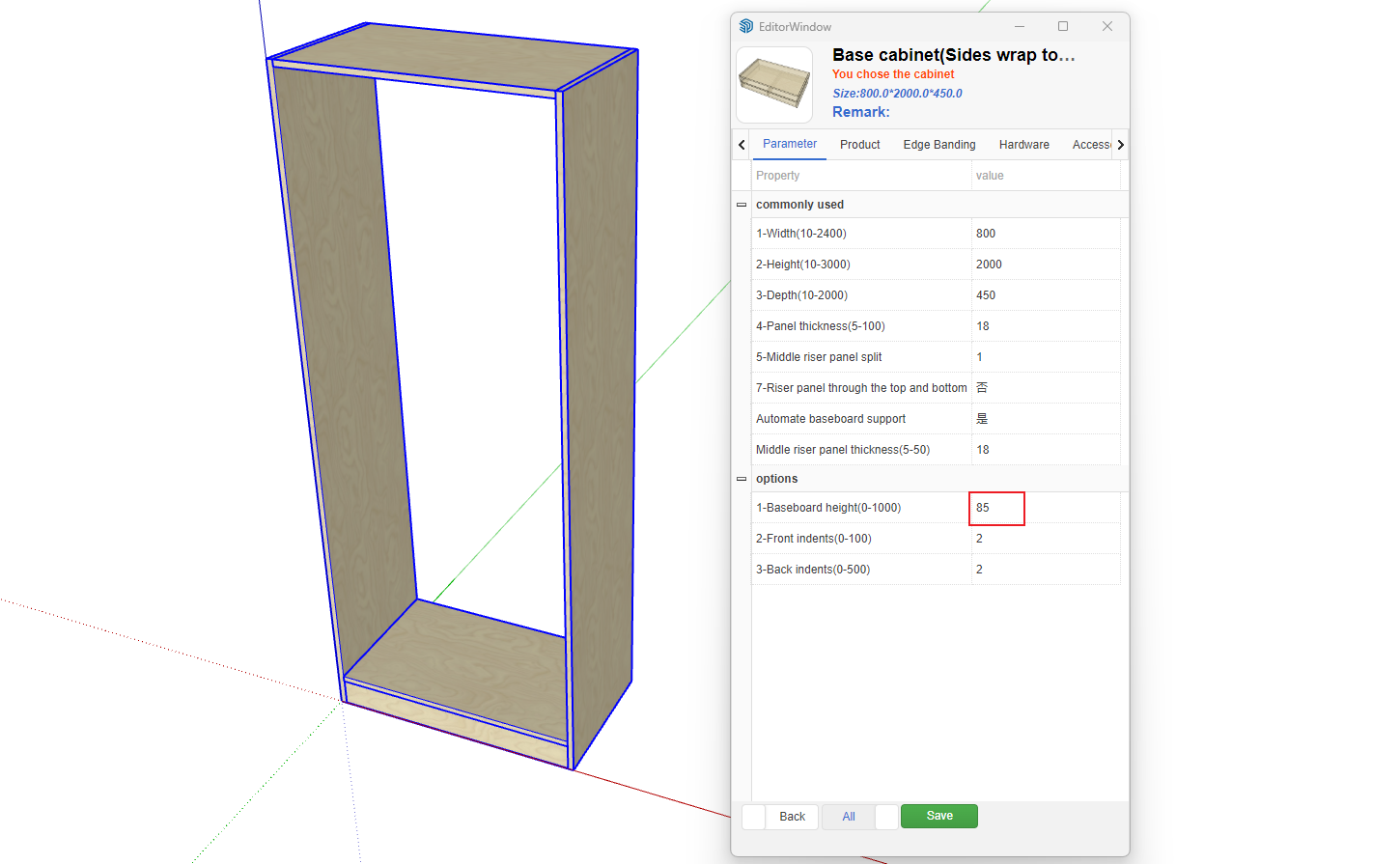
Zhumu supports global default parameters. These are parameters that are pre-loaded when creating parametric cabinets or inserting parametric components. For example, if a backend component parameter [such as toe kick height defaults to 80] but a client's specific process requires a default toe kick height of 50, you can add this parameter to the global default parameters. This way, when creating this parametric cabinet or inserting this component, it will default to 50 height. Here's how to add this parameter to the global settings:
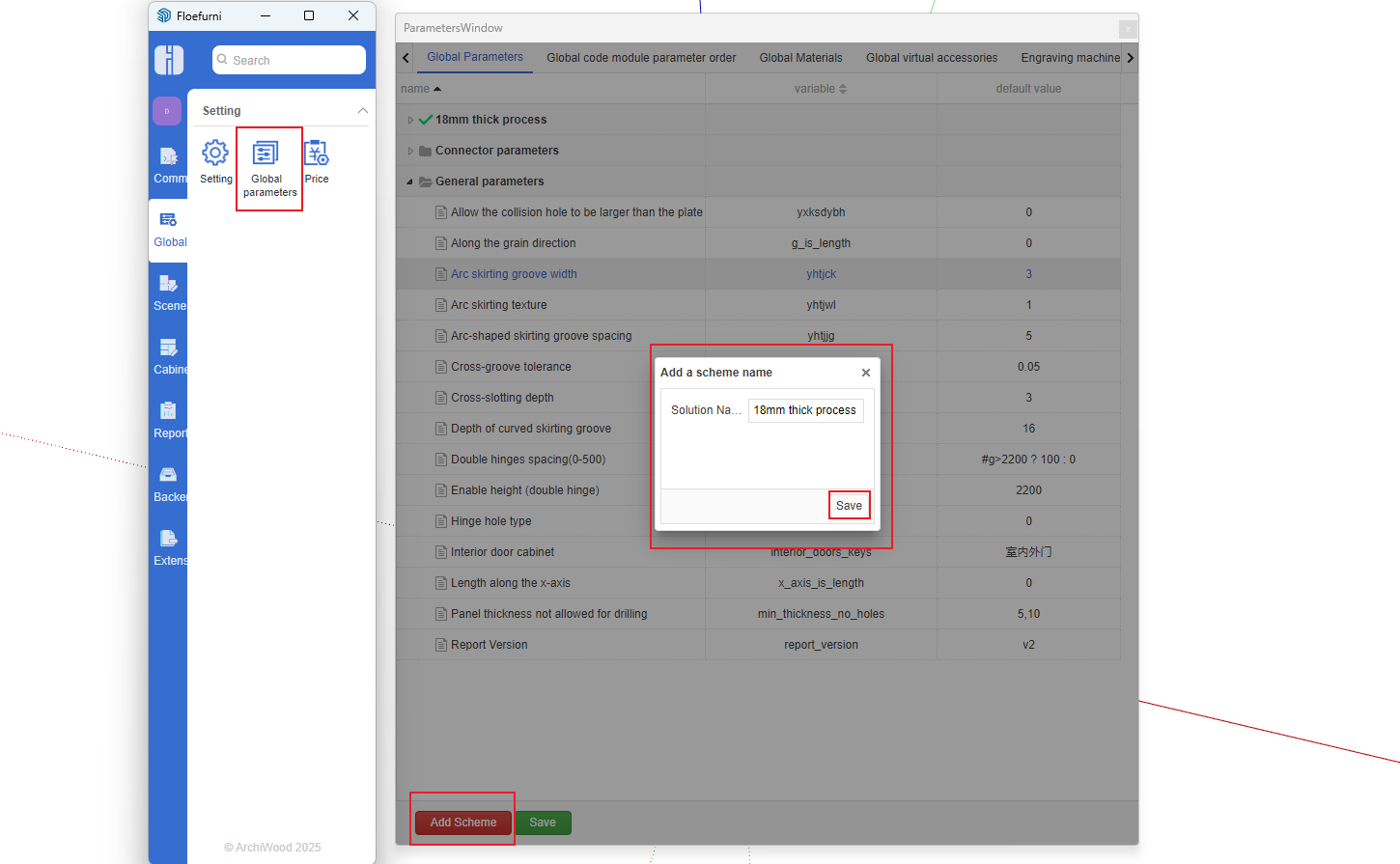
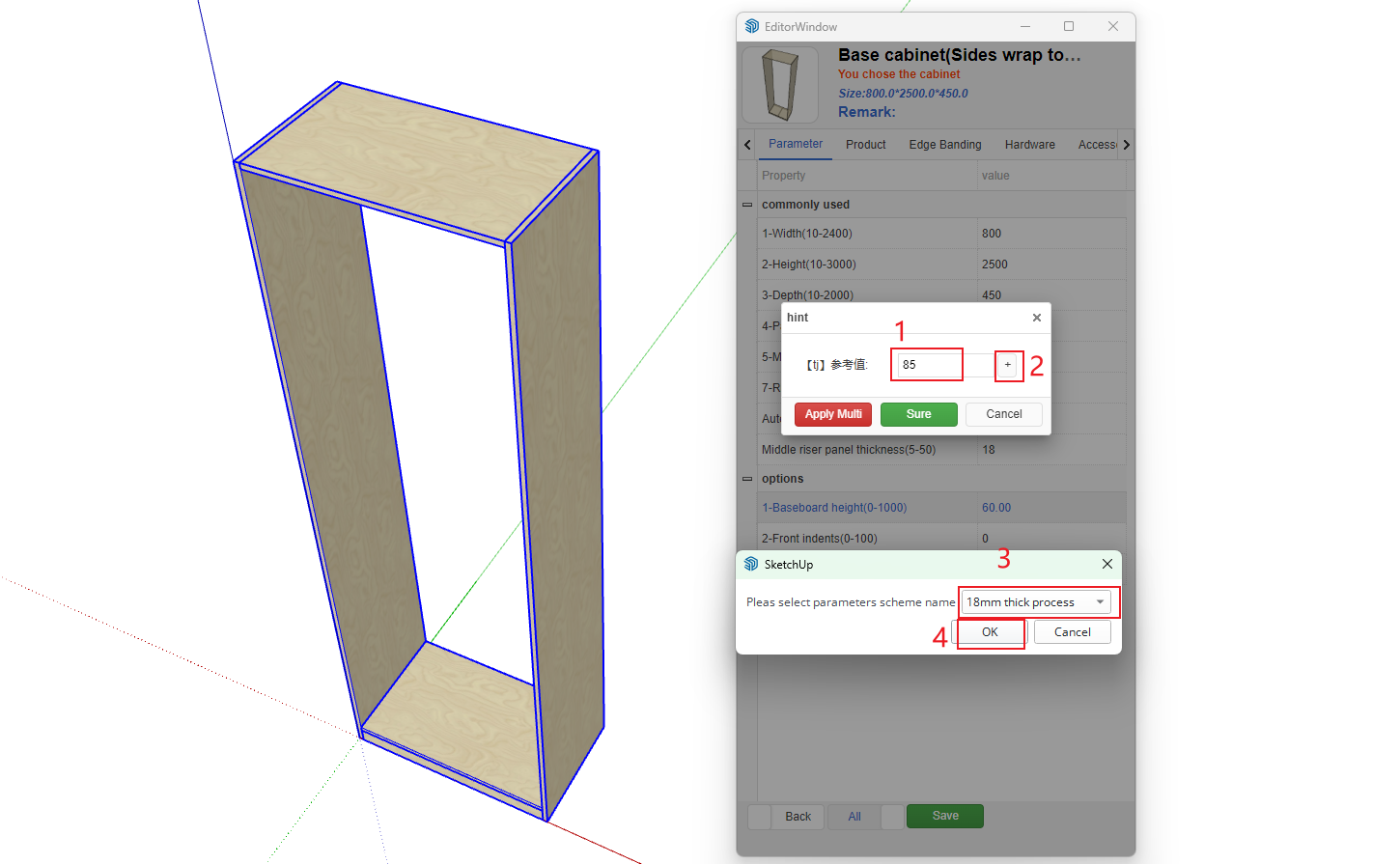
1. Open Global Default Parameter Management, click Add Scheme
2. Create a parametric cabinet, right-click and open the parameter editing interface
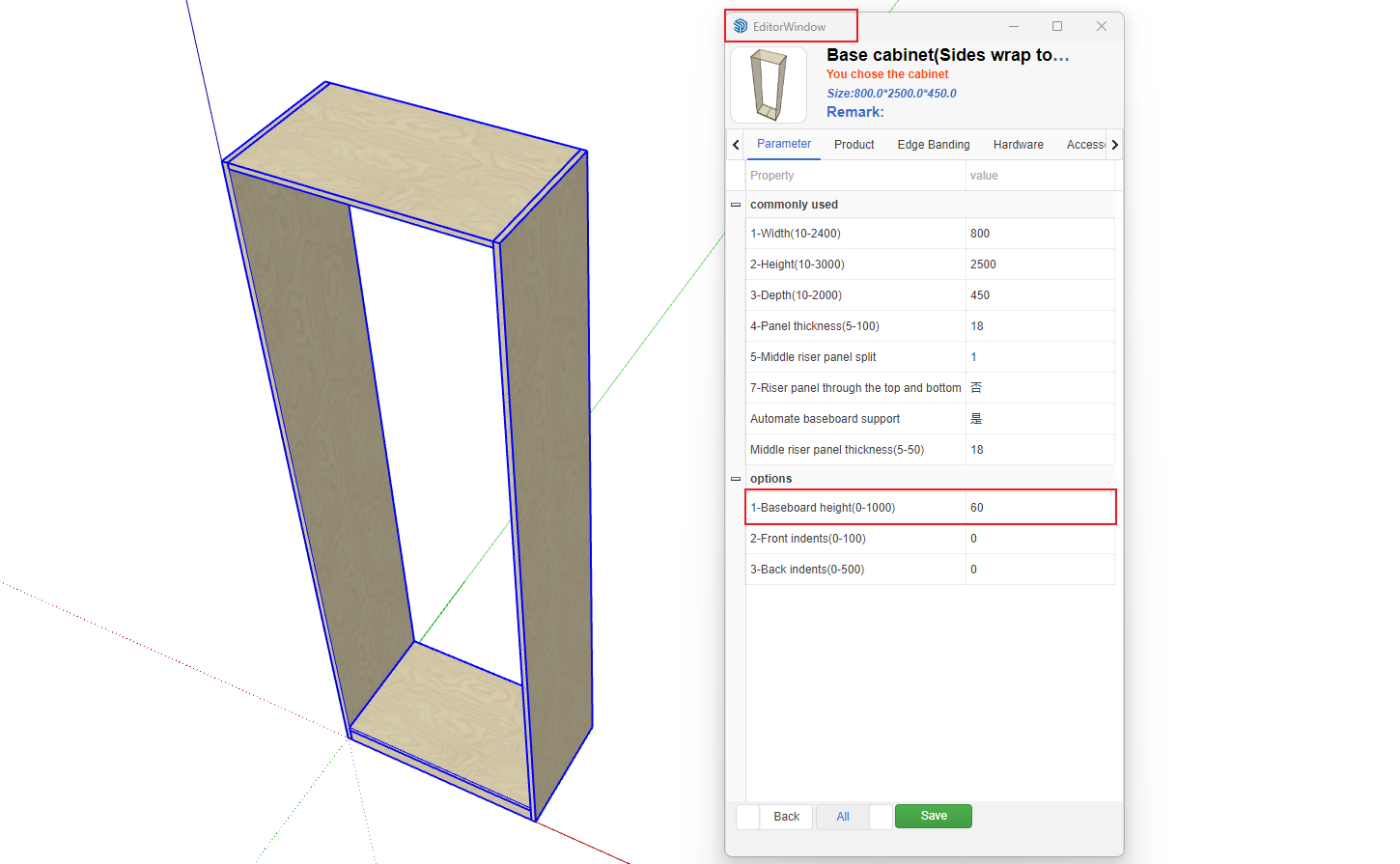
3. Double-click the Chinese parameter name
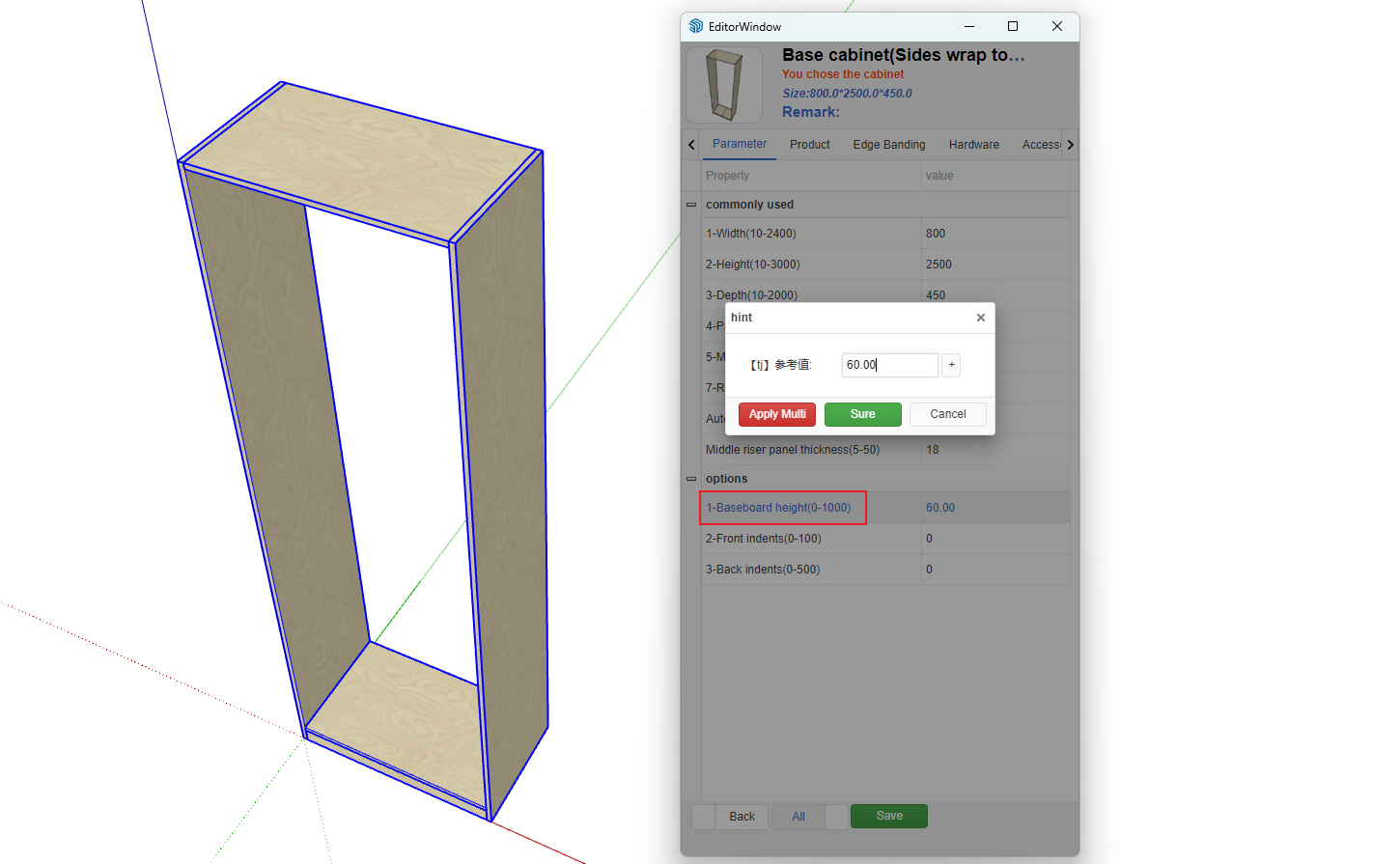
4. Click the + button to add the parameter to Global Default Parameter Management
5. Result after adding
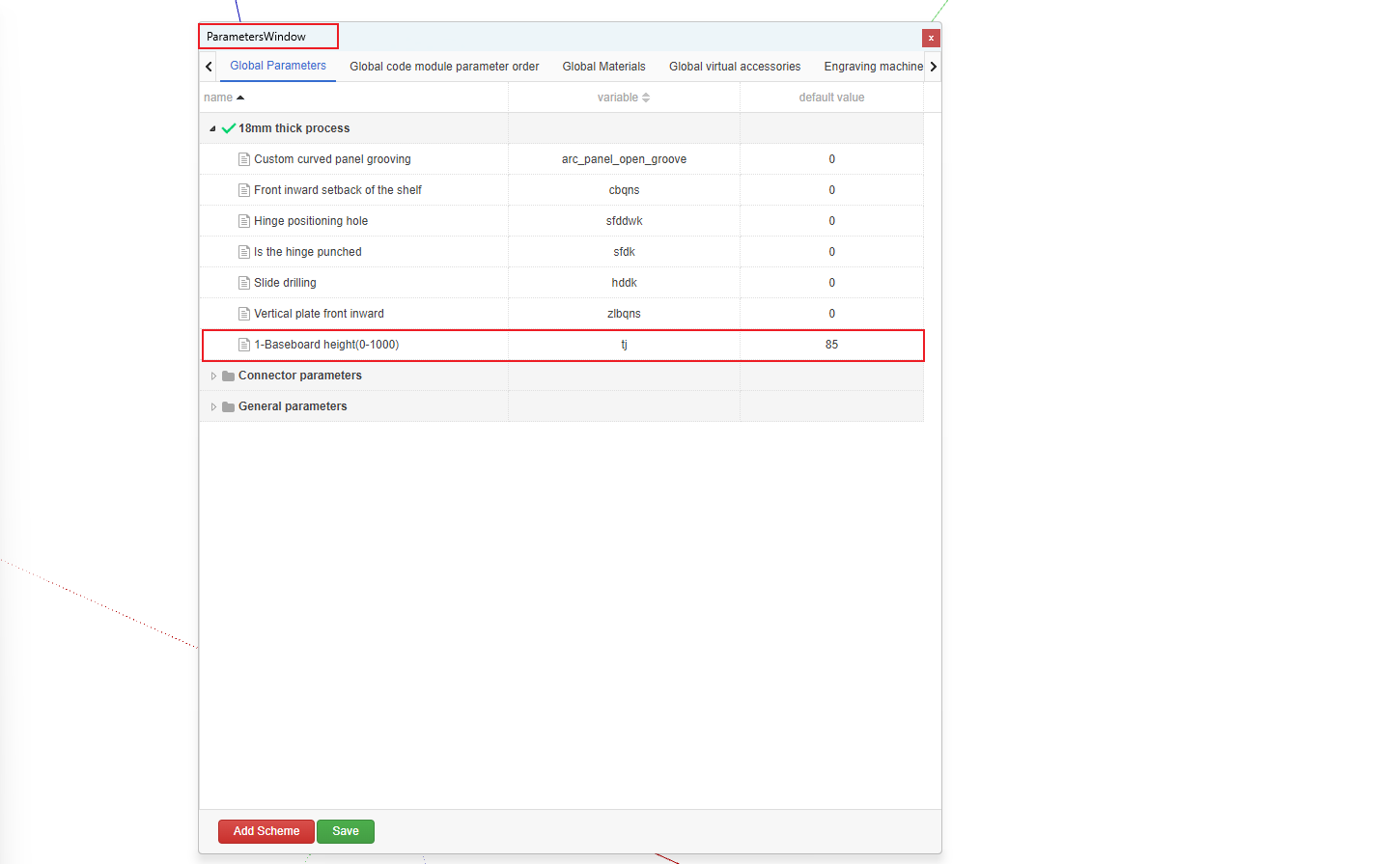
6. When creating this parametric cabinet again, this parameter will default to 50